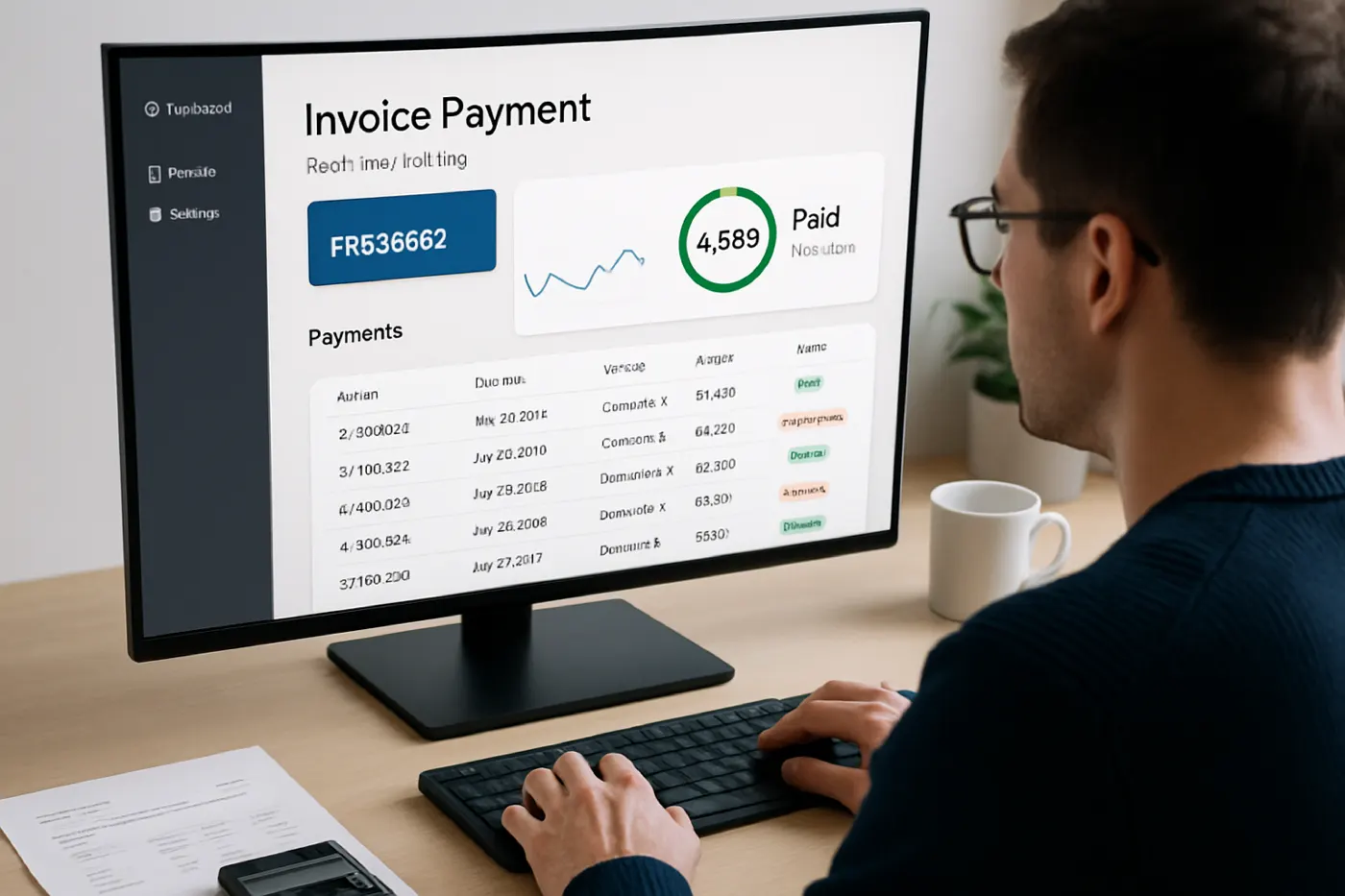
01 Introduction: The Invoice Chasing Problem
Across Morocco's small and medium-sized enterprises, the same scene repeats daily: a finance manager or account executive opens their email inbox to find a stack of overdue invoices. Some are 30 days past due. Some are 60. Rather than focusing on closing new deals or strategic financial planning, they spend an hour or two sending reminder emails, making phone calls, and manually updating spreadsheets. By Friday, they've lost an entire day to this administrative drudgery. This isn't an isolated complaint—it's a system-wide inefficiency that costs Moroccan PMEs tens of thousands of dirhams annually in delayed cash flow, unpaid receivables, and human fatigue.
The root cause is simple: invoice tracking and payment follow-up were never designed to be manual processes. Yet most SMEs still rely on email chains, Excel spreadsheets, and memory to know when and how often to chase a customer for payment. When an invoice slips through the cracks—as it inevitably does—it becomes a crisis: the cash flow stalls, team morale dips, and relationships with customers strain under aggressive collection calls.
02 Why Manual Invoice Management Is Costing You Money
The financial impact of manual invoice tracking extends far beyond wasted time. When invoices aren't followed up systematically, payment delays multiply. A single overlooked reminder can push a 30-day receivable into 60-day territory. In Morocco, where cash flow is already tight for many SMEs, this delay can force a business to delay payroll, miss supplier payment terms, or take on unnecessary debt.
Beyond cash flow, there's the hidden cost of human error. Spreadsheets get outdated. Reminders are sent inconsistently—sometimes too aggressive, sometimes forgotten entirely. Some customers slip through the follow-up schedule entirely because nobody noticed they were due for a second reminder. The result: your DSO (Days Sales Outstanding) creeps up month after month, sometimes reaching 75 or 90 days when industry standard in Morocco is 45–60 days.
- ✗Delayed cash flow from forgotten follow-ups
- ✗Inconsistent reminder sequences damage customer relationships
- ✗Spreadsheet errors lead to duplicate reminders or missed invoices
- ✗Staff burnout from repetitive administrative work
- ✗Inability to prioritize follow-up by customer risk or invoice age
03 Automating Invoice Tracking: A Practical Workflow
Automated invoice tracking doesn't require complex software engineering or a large IT budget. Modern workflow automation tools allow you to define a simple, repeatable process: when an invoice is issued, a workflow automatically kicks in. At day 15, a polite reminder email is sent. At day 30, a second reminder. At day 45, a more formal notice. At day 60, an alert reaches your finance manager flagging the invoice as at-risk. Each step is logged, timestamped, and auditable—so you always know what communication the customer received and when.
The beauty of this automation is consistency. Every customer receives the same follow-up sequence, applied fairly and professionally. There's no forgotten email, no slip through the cracks. Your team is freed from manual reminder work and can focus on high-value activities: negotiating payment terms with key accounts, investigating why a particular customer is consistently late, or developing new business.
With WorkflowApp, you can build this entire process in minutes using a visual drag-and-drop interface. No coding. No IT ticket. You define the trigger (invoice issued), the delay conditions (day 15, day 30, day 45), the action (send email via template), and you're live. If a payment arrives early, the workflow stops. If a customer calls to negotiate terms, your team can pause the automation and adjust manually. The system adapts to your business.
04 Beyond Email: Smart Follow-Up Rules That Actually Work
Smart invoice automation goes beyond generic reminder emails. The most effective workflows use conditional logic to tailor follow-up intensity based on invoice age and customer history. A first-time customer might receive a gentler first reminder; a chronic late-payer might escalate to a manager alert on day 25. Large invoices over 50,000 DH might trigger an immediate phone call flag to your sales team. Small invoices might follow a lenient 90-day follow-up schedule aligned with your customer's typical payment terms.
Automation also enables transparency. Every customer communication is logged in a centralized system with a full audit trail. When your finance manager picks up the phone to call a customer about an overdue invoice, they can immediately see: 'Reminder email sent on [date], opened on [date], second reminder sent on [date], not yet opened.' This data transforms the conversation from accusatory to collaborative—you're not nagging; you're helping the customer stay on track.
- •Conditional logic: different follow-up rules for different customer segments
- •Escalation paths: manager alerts for invoices past critical thresholds
- •Communication history: every interaction logged and visible to your team
- •Flexible timing: align reminders with your customer's payment cycle
- •Integration: automation feeds data back into your accounting system for real-time cash visibility
05 A Real Scenario: How Automation Transformed Cash Flow
Consider a mid-sized distributor in Casablanca managing 200+ active customer accounts. Before automation, their finance manager was sending reminder emails twice per week—a part-time job in itself. Invoices regularly sat unpaid for 70+ days. Working capital was perpetually strained. After implementing an automated invoice workflow, every invoice now followed a consistent, professional reminder sequence. Within three months, their DSO dropped from 68 days to 48 days. That 20-day improvement meant an extra 1.2 million DH in usable cash sitting in the business at any given time—cash that funded inventory growth and eliminated the need for a short-term line of credit.
More importantly, the finance manager reclaimed 8–10 hours per week previously spent on reminder emails. That time is now invested in analyzing customer payment trends, proactively calling customers before invoices become overdue, and working with the sales team to adjust credit terms for risky accounts. Relationships improved because follow-ups became predictable and professional, not emotional or ad hoc.
06 Integration with Your Existing Systems
The most powerful aspect of automated invoice tracking is integration. When you combine workflow automation with a real-time accounting system, your entire financial operation becomes transparent and synchronized. Invoice issued in your accounting software? The workflow triggers automatically. Payment received? The workflow stops, the invoice is marked paid, and your cash flow dashboard updates in real time.
If you're using mpsage for accounting, WorkflowApp integrates seamlessly. Your finance manager has one unified view: which invoices are outstanding, which are at risk, which customers are chronic late-payers. The workflow engine isn't a separate tool; it's part of your operating system. This integration eliminates the need for manual spreadsheet synchronization and reduces errors exponentially.
The combined power of WorkflowApp + mpsage creates a closed loop: invoices generated in accounting automatically trigger reminders, payments update in real-time, and your DSO dashboard reflects current reality. This is modern financial operations for Moroccan SMEs.
07 Getting Started: Three Steps to Implementation
Implementing invoice tracking automation doesn't require a months-long project or a team of developers. Most Moroccan PMEs can go live in a week.
- 1Map your current process. How many reminder emails does each invoice receive? When are they sent? Who receives them? Document this in plain language. This clarity will make your workflow build faster.
- 2Build your workflow. Use WorkflowApp's visual builder to recreate your process. Define triggers (invoice issued), delays (day 15, 30, 45), actions (send email, alert manager), and conditions (customer type, invoice size). No code required.
- 3Test and deploy. Run your workflow through a test with 10 invoices. Adjust the email templates, timing, and escalation rules based on what you learn. Then roll out across all invoices.
Conclusion Reclaim Your Financial Operation
Manual invoice tracking is a tax on your business—a tax that drains cash flow, burns out your team, and damages customer relationships. Automation isn't a luxury; it's a competitive necessity. For Moroccan PMEs tight on margins, recovering even 10 hours per week and 20 days of cash flow is transformational. The cost? A few hundred dirhams per month. The ROI? Typically positive within the first month. Start with WorkflowApp today and reclaim your financial operation.


